A business website should be usable by everyone, including people with visual, hearing, motor or cognitive disabilities. However, many websites still contain barriers such as low-contrast text, images without alternative descriptions, confusing navigation and forms that cannot be operated using a keyboard.
Website accessibility addresses these problems by making digital content easier to perceive, understand and interact with. The Web Content Accessibility Guidelines (WCAG), developed by the World Wide Web Consortium (W3C), provide an internationally recognised framework for improving accessibility across websites and digital applications.
For businesses, accessibility is not only about inclusive design. It can also support better user experience, improve how search engines understand website content and help organisations manage legal and compliance risks.
What Is Website Accessibility and What Does WCAG Mean?
Website accessibility means designing and developing websites so that people with different abilities can access information, navigate pages and complete actions without unnecessary difficulty.
WCAG provides recommendations and testable success criteria for making digital content accessible. The latest published version is WCAG 2.2, which builds on earlier versions and includes additional guidance for users with disabilities.
WCAG is based on four fundamental principles:
Perceivable: Users must be able to access information through suitable alternatives, such as text descriptions for meaningful images and captions for videos.
Operable: Website navigation, buttons, menus and forms should work with different input methods, including a keyboard.
Understandable: Content, instructions and navigation should be clear and consistent.
Robust: Website content should work reliably with different browsers, devices and assistive technologies.
WCAG also defines three conformance levels: A, AA and AAA. Level AA is a common practical target for organisations seeking a structured accessibility improvement programme.
How Website Accessibility Supports SEO
Accessibility and SEO have different objectives, but they often benefit from similar website improvements. Search engines need to understand website content, while visitors need to access and navigate it easily. A well-structured, accessible website can support both goals.
1. Descriptive Alt Text Helps Explain Images
Alternative text describes the purpose or information conveyed by an image. Screen readers can communicate this description to users who cannot see the image. Search engines can also use image context and surrounding content to understand what an image represents.
For example, an image showing a company’s website design team could use descriptive alt text such as “Website design team reviewing a responsive business website”.
Avoid filling alt text with repeated keywords. Decorative images should generally be implemented so assistive technologies can ignore them.
2. Clear Headings Improve Content Structure
A logical heading hierarchy makes website content easier to scan and understand. Use one clear H1 for the main page topic, followed by relevant H2 and H3 headings.
This structure helps visitors locate information quickly and gives search engines clearer signals about the organisation of page content.
3. Accessible Navigation Improves User Experience
Menus, internal links and navigation elements should have meaningful labels and predictable behaviour. Visitors should be able to move through important pages without confusion.
Clear navigation can help users discover service pages, contact information and useful resources. It also supports search engines in understanding the relationship between pages.
4. Mobile Accessibility Supports Better Usability
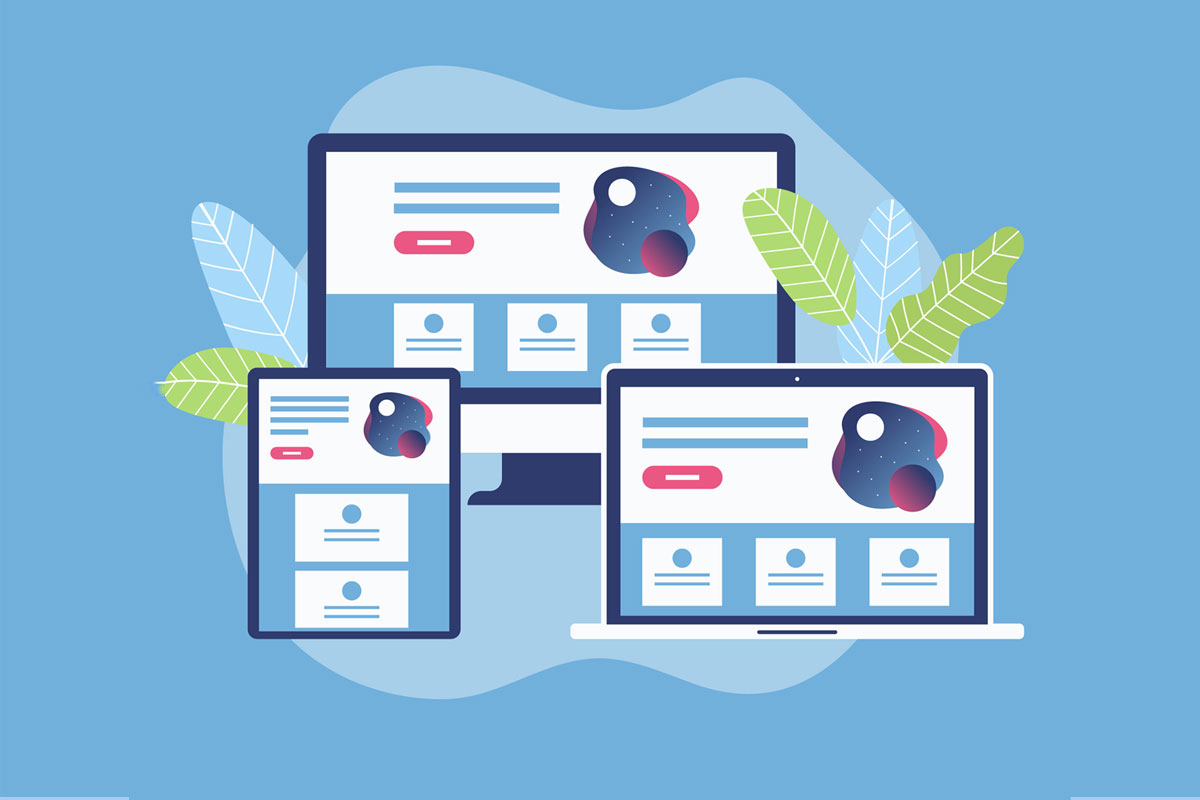
An accessible website should work across mobile phones, tablets and desktop screens. Text should remain readable, controls should be easy to use, and important content should not require unnecessary zooming or horizontal scrolling.
Mobile-friendly design is important for search visibility and conversion performance. Accessibility improvements can make mobile interactions more comfortable for a wider audience.
Important: WCAG compliance does not automatically improve Google rankings. Accessibility is not a direct ranking guarantee. Its value for SEO comes from supporting clear content, sound structure, mobile usability and a better overall website experience.
Why WCAG Matters for Legal Safety
Website accessibility can also be relevant to an organisation’s legal responsibilities. The applicable requirements depend on the country, industry, type of organisation and services provided.
In India, the Rights of Persons with Disabilities Act, 2016 establishes a broader framework for the rights and inclusion of persons with disabilities. The Guidelines for Indian Government Websites and Apps (GIGW) provide accessibility requirements for government websites and apps, drawing on WCAG principles.
Businesses should not assume that every private website has an identical legal obligation or that installing an accessibility plugin guarantees compliance. Organisations should review the laws and sector-specific requirements that apply to them and obtain qualified legal advice where necessary.
For companies serving customers in multiple countries, accessibility requirements may also differ by market. A website used by customers in the European Union, United States or other regions may need to account for additional local regulations.
Taking accessibility seriously can help organisations identify barriers early, demonstrate responsible digital practices and reduce the risk of complaints or costly corrective work.
Common Website Accessibility Issues to Check
Many accessibility problems are easy to overlook during routine website design and content updates. A practical review should include:
Images with missing or unhelpful alternative text.
Text and background colours with insufficient contrast.
Forms without clear labels or useful error messages.
Buttons and links with vague labels such as “Click Here”.
Menus and interactive elements that cannot be operated using a keyboard.
Videos without captions or suitable alternatives.
Headings used for visual styling rather than a logical content structure.
Small clickable controls that are difficult to use on mobile devices.
These issues can affect visitors even when a website looks visually attractive.
How to Make Your Website More Accessible
Improving accessibility should be an ongoing part of website development and maintenance rather than a one-time installation.
Start by reviewing important pages, including the homepage, service pages, contact page, forms and blog articles. Check colour contrast, heading structure, image descriptions, keyboard navigation and form usability.
Use automated tools such as Google Lighthouse or accessibility testing tools to identify potential problems. However, automated scans cannot detect every issue. Manual testing is also necessary, including keyboard-only navigation and checks with screen readers where possible.
If your website runs on WordPress, review the accessibility of your theme, page builder, plugins and custom elements. New content should follow the same standards, so accessibility does not deteriorate as the website grows.
For a broader improvement programme, businesses can combine accessibility reviews with professional website design and development and ongoing WordPress website maintenance.
Build a Website That Works for More People
Website accessibility is an important part of responsible digital development. Following WCAG guidance can help businesses create websites that are easier to navigate, understand and use across different devices and abilities.
It also supports a stronger website foundation through meaningful content, organised page structures and better usability. While accessibility alone does not guarantee higher search rankings or legal compliance, addressing accessibility barriers is a practical investment in your website’s long-term quality.
Your Next Step Forward
Is your business website accessible to all visitors? S2H Digital helps businesses improve their online presence through professional website design, development, SEO and website maintenance.
Visit S2H Digital to discuss how your website can become more user-friendly, accessible and ready for long-term digital growth.